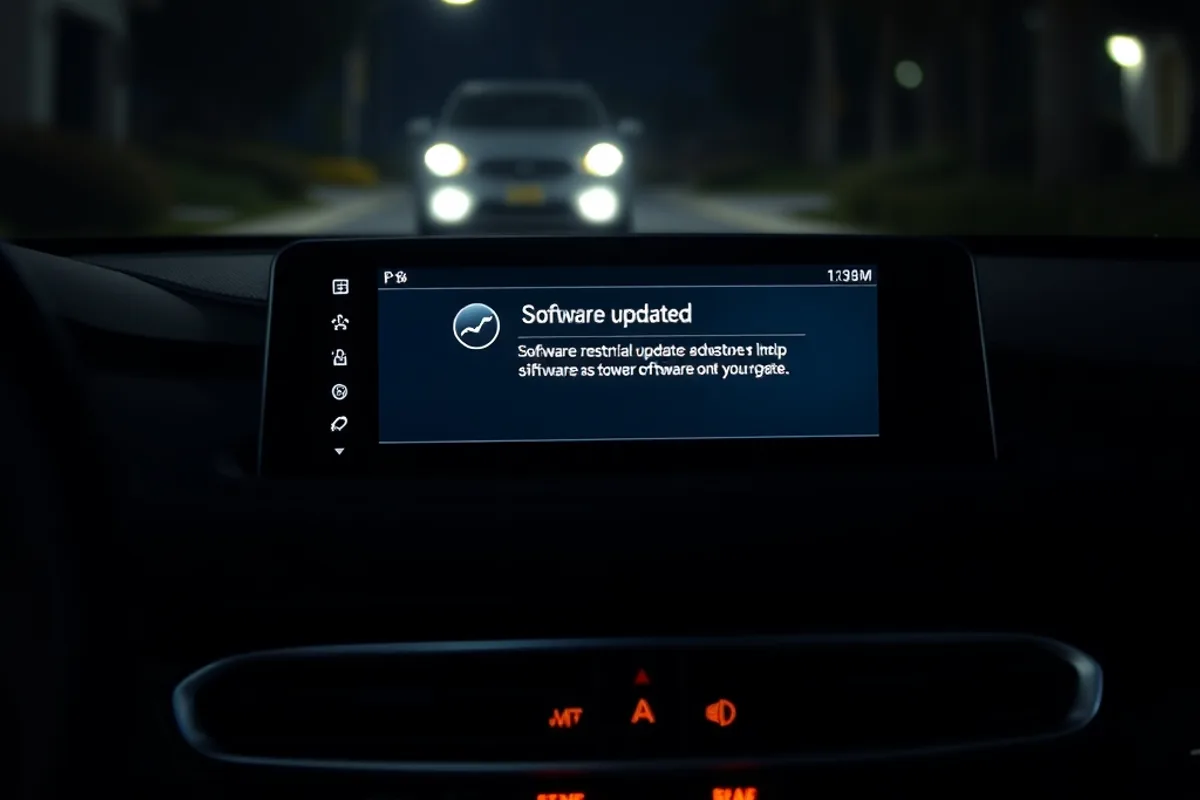
A car used to be finished when it left the factory. Now it can gain a driving mode, lose a remote-start feature or change its charging behaviour months after purchase. Over-the-air updates are genuinely useful, and they raise a question buyers rarely ask in the showroom: what exactly did I buy?
The answer sits in the software terms, the window sticker and the subscription page. Those three documents do not always agree.
What an OTA update can change
Updates can fix safety defects, improve efficiency, add interface features or enable hardware that was installed but inactive. They can also change how a feature behaves, remove a function that depended on a third-party service, or move a control from a physical button to a screen.
Most of this is legitimate maintenance. The problem is the asymmetry: the manufacturer can change the car, and the owner often cannot decline a safety-related update without losing the warranty or the ability to drive legally.
Subscriptions and the hardware you already own
Heated seats, adaptive headlights and advanced driver assistance are sometimes built into every car and unlocked by software. The hardware is present; the licence is rented. That is not automatically unfair, but it should be clear at the point of sale.
Check whether a feature is included for the life of the car, included for a trial period, or tied to the first owner. A used buyer can inherit a car with hardware that no longer works because the subscription ended.
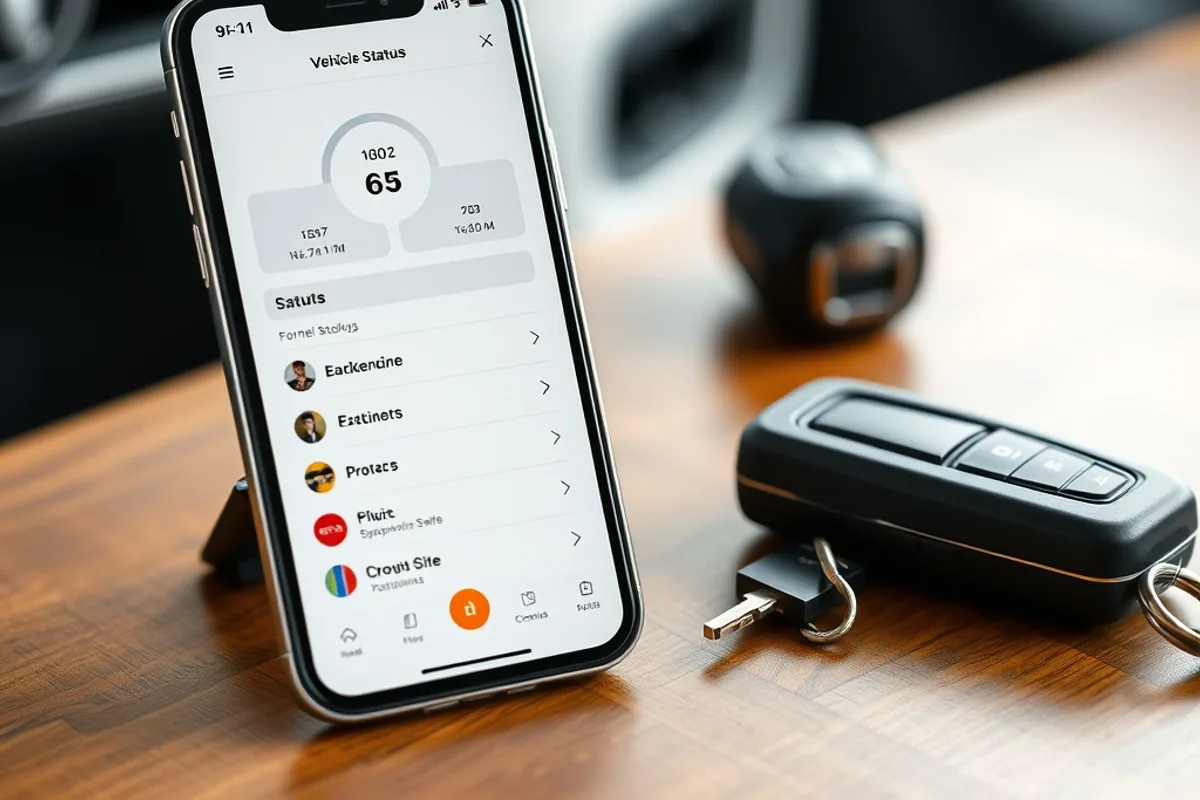
Feature removal and service shutdowns
When a car relies on a cellular network, a feature can stop working when the provider changes technology or the manufacturer ends the service. Remote start, live traffic and some emergency functions are vulnerable. Ask how long the connected services are guaranteed and what happens afterwards.
A written commitment is better than a marketing promise. If the answer is “for the life of the vehicle”, ask who defines the life.
If a feature depends on a server you do not control, you are renting it, whatever the window sticker says.
Security patches are not optional
A car is a networked computer with a battery and wheels. Security updates protect against key relay attacks, infotainment vulnerabilities and remote-access flaws. Owners should install them promptly, even when the update is inconvenient.
Check whether security patches are free and whether they continue after the warranty ends. A manufacturer that stops patching a connected car at year five has made a decision about your risk.
Right to repair and independent service
Software locks can prevent an independent workshop from completing a repair, even when the mechanic has the part and the skill. Some regions now require access to diagnostic and security information on fair terms; others do not.
Before buying, ask whether a reputable independent shop can perform routine service and whether the manufacturer sells diagnostic access. If the answer is no, the dealer network is part of the price.
A checklist for the showroom
Ask for the software terms in writing. Ask which features are subscriptions, which are lifetime and which depend on a network. Ask how long updates are guaranteed. Ask whether an update can remove a feature and what remedy exists. Ask whether the car can be serviced independently.
Then keep the documents. When an update arrives, the screen often shows a summary; screenshot it before installing. A record of what changed is useful if a feature disappears. The Automotive Tech desk follows these changes as they reach owners.